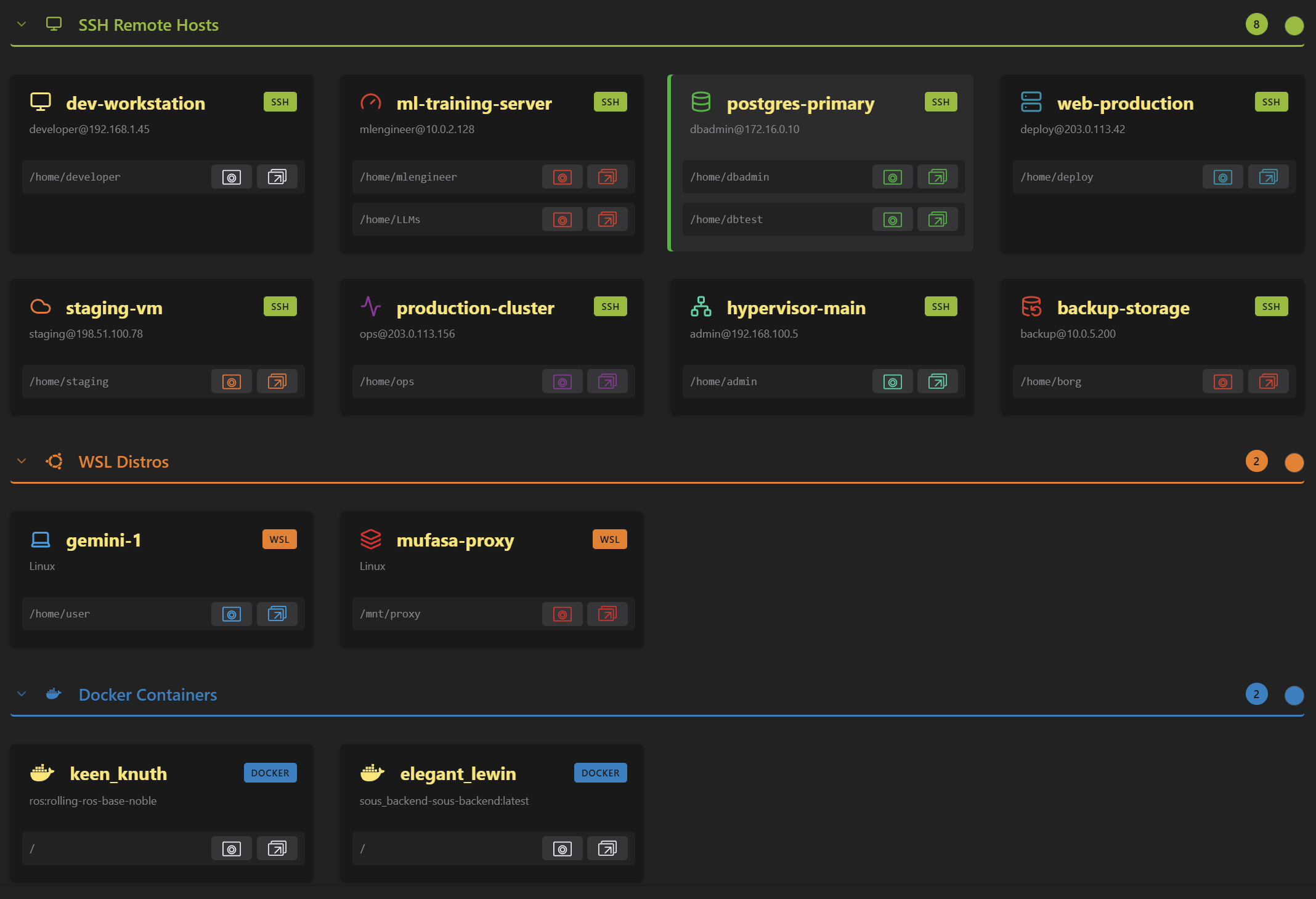
DaSSHboard
A stylish SSH dashboard for VS Code
- TypeScript
- VS Code API
- SSH
- WSL
- Docker
The dashboard
Hit the DaSSHboard button in the status bar, use the Remote menu, or run "Show DaSSHboard" from the Command Palette. Each host card lists the entrypoint paths on that host, with buttons to open one in the current window or a new one. Opened from inside a remote session, it also offers a Close connection button, coloured for the kind of remote you are in.
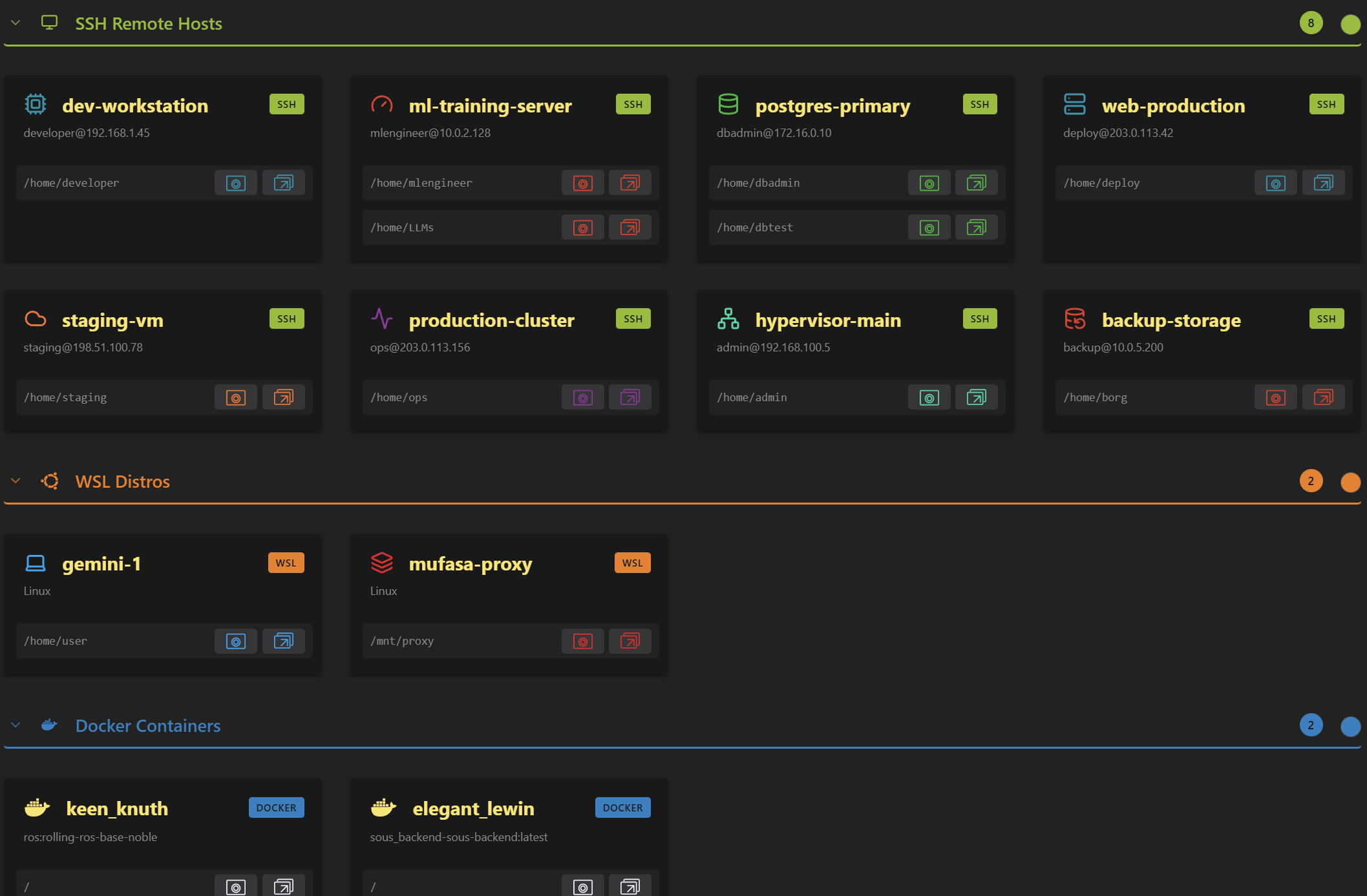
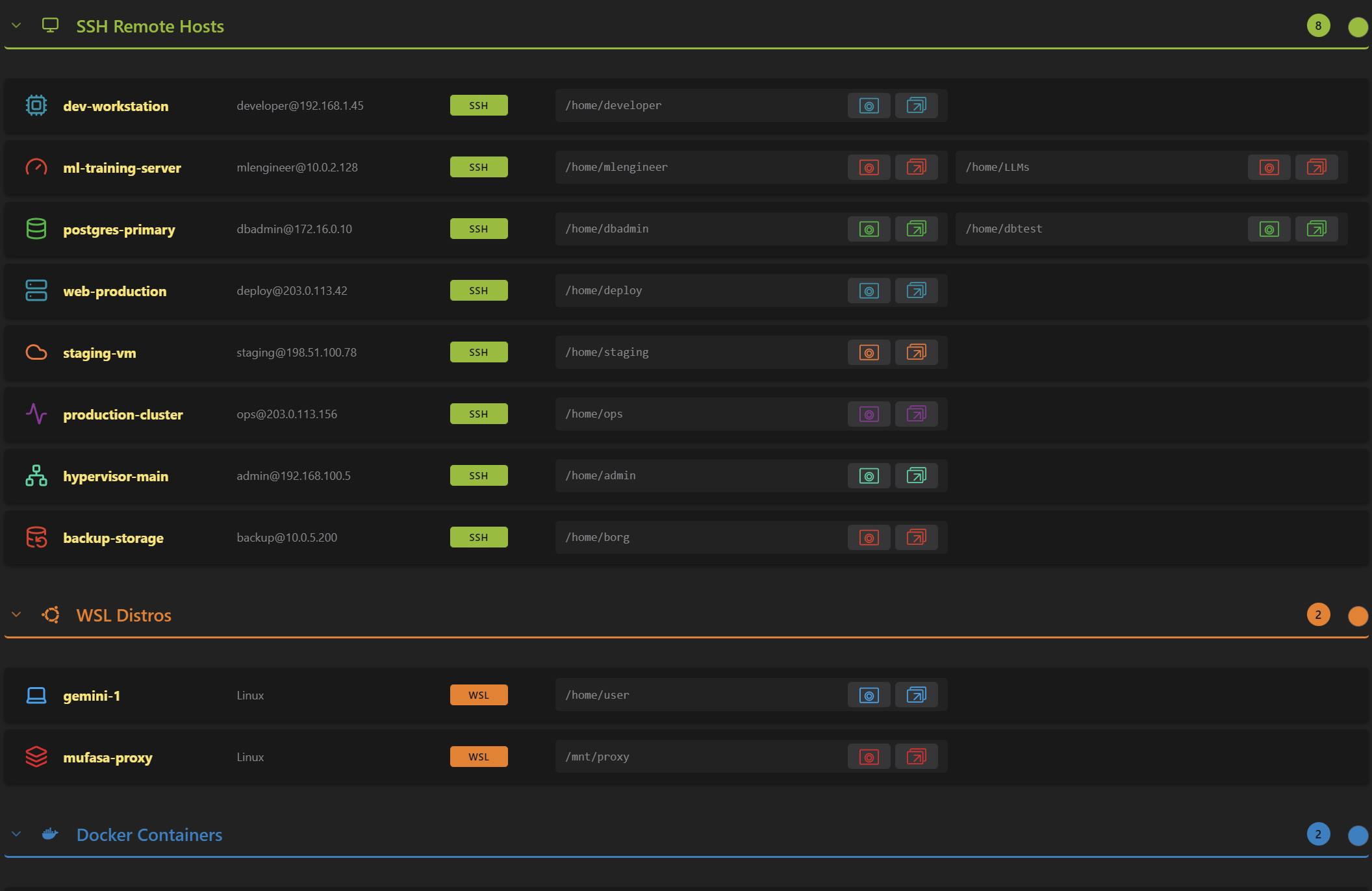
Layouts
Grid or list, switched with the toggle at the bottom of the view, from the right-click menu, or with the daSSHboard.layout setting.
Customization
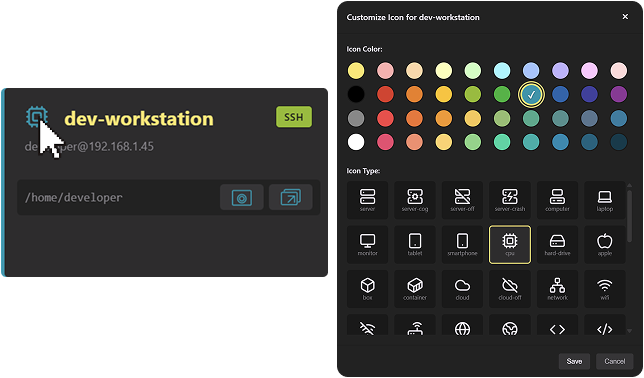
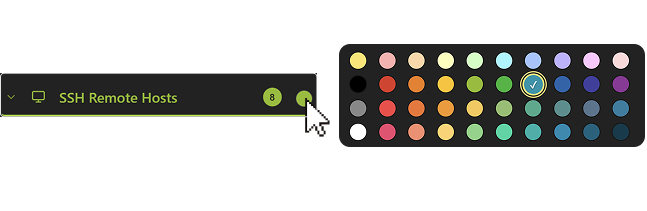
Click the icon on a host card to give it its own colour and one of the Lucide icons, so a host is recognizable before you read its name. Sections get a colour of their own from the square next to the title, or from settings.json. Not happy with a look? Reset icon & color puts it back to the theme default.
How hosts are discovered
- SSH host: the home directory of the
Userin~/.ssh/config(/rootfor root,/homeif unset) - WSL distro: the default user's home directory of that installation
- Docker container: the container root, fixed
- A host with no usable default shows an Add entrypoint row rather than a phantom path