dotfiles
This is what you install if you want your terminal to look like mine.
- Bash
- uv
- tmux
- oh-my-posh
- Neovim
Setting a machine up
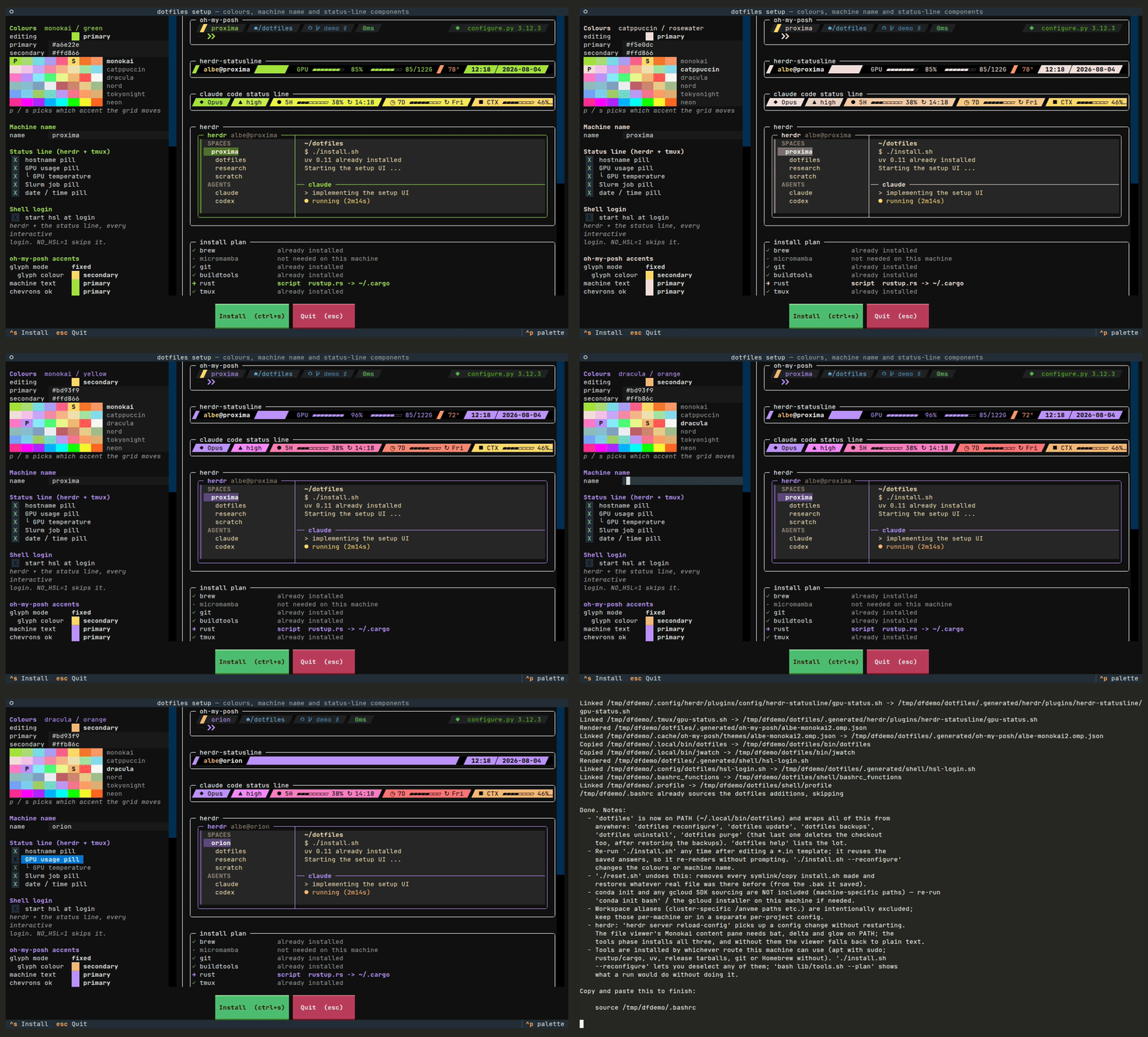
install.sh installs uv first, because the setup UI is itself a uv script, then opens it: two accent colours, the machine name, which pills belong in the status bars, and which tools to put on the machine. The panes on the right are real: the prompt is oh-my-posh print on a rendered copy of the actual template, the status bar is the string the installer assembles with its #(...) segments really executed, and the install plan is the same route resolution the run performs. A machine without uv, or without the network to fetch it, falls back to a plain text wizard.
What it does to the machine
Anything carrying a colour or the machine name is a *.in template with @PRIMARY@-style placeholders, because tmux.conf, JSON and TOML cannot indirect through a variable. Each one is rendered into .generated/ and the real config path is pointed at the rendered copy, so ~ still shows what is managed and re-running the installer updates live config. A real file already sitting at a path is moved to <file>.bak, once, and a backup is never written over.
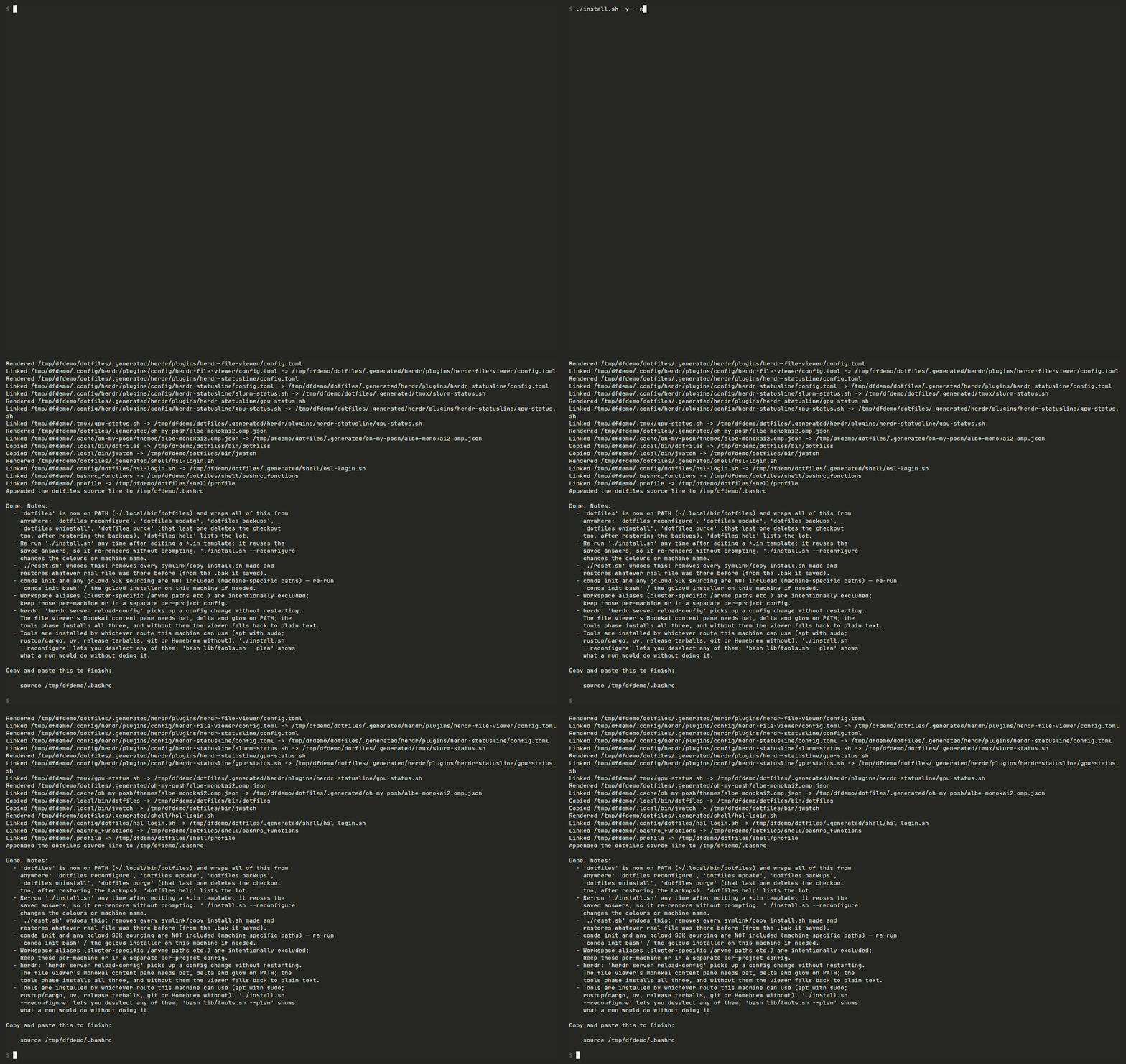
.generated/, then symlinked into place.The dotfiles command
Installing puts a dotfiles CLI on PATH, so none of this needs the checkout to be your working directory again. It is a wrapper rather than a second implementation: every subcommand runs install.sh, reset.sh or lib/tools.sh out of the checkout, and options pass straight through.
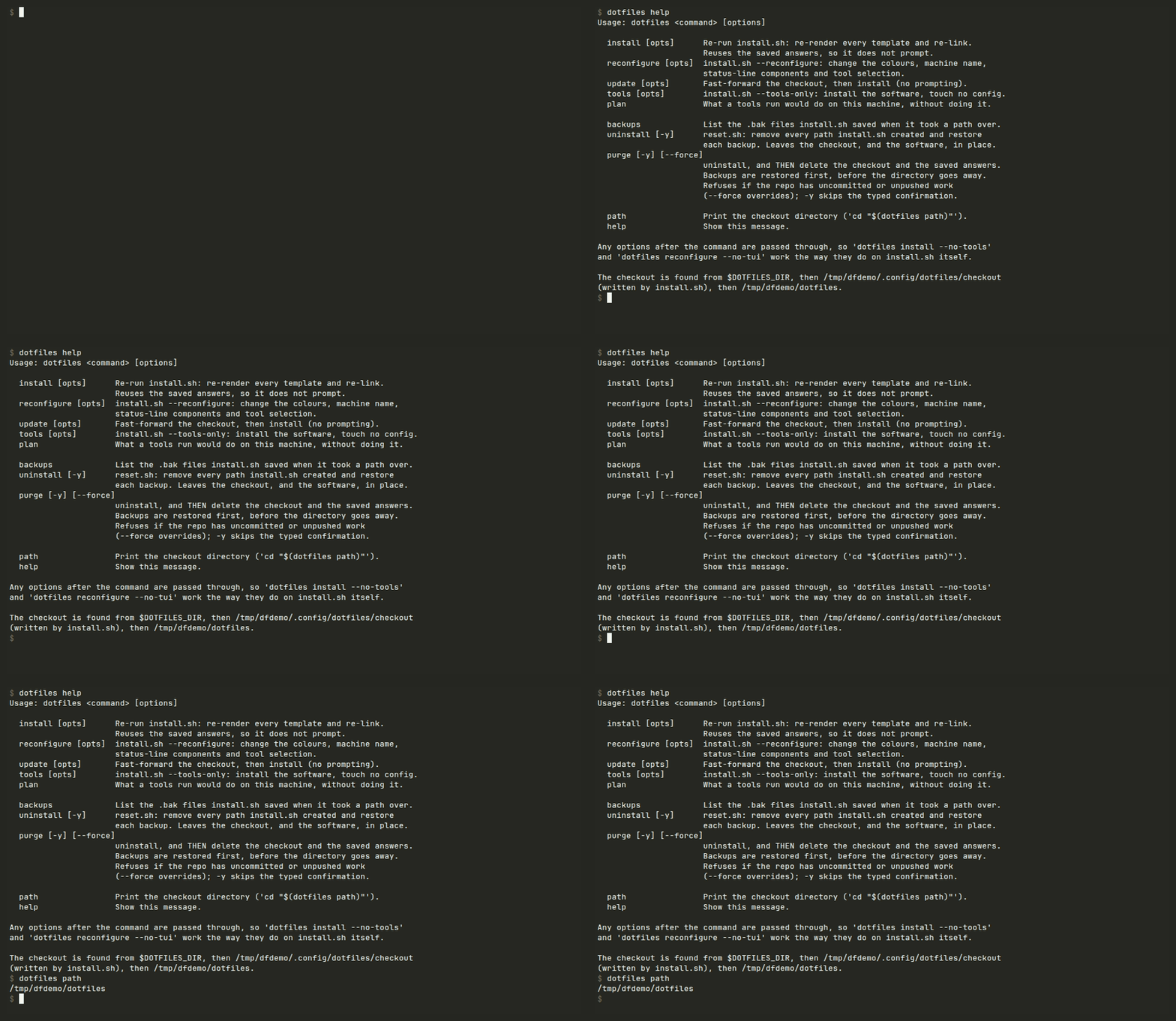
dotfiles wraps the scripts in the checkout; it does not reimplement them.Taking it back off
reset.sh reads the manifest back, removes everything on it, restores each path's .bak and strips the block it added to ~/.bashrc and ~/.zshrc. Numbered backups it reports and leaves alone, since choosing between several saved files is a human's job. It undoes config, not software: the tools stay installed.
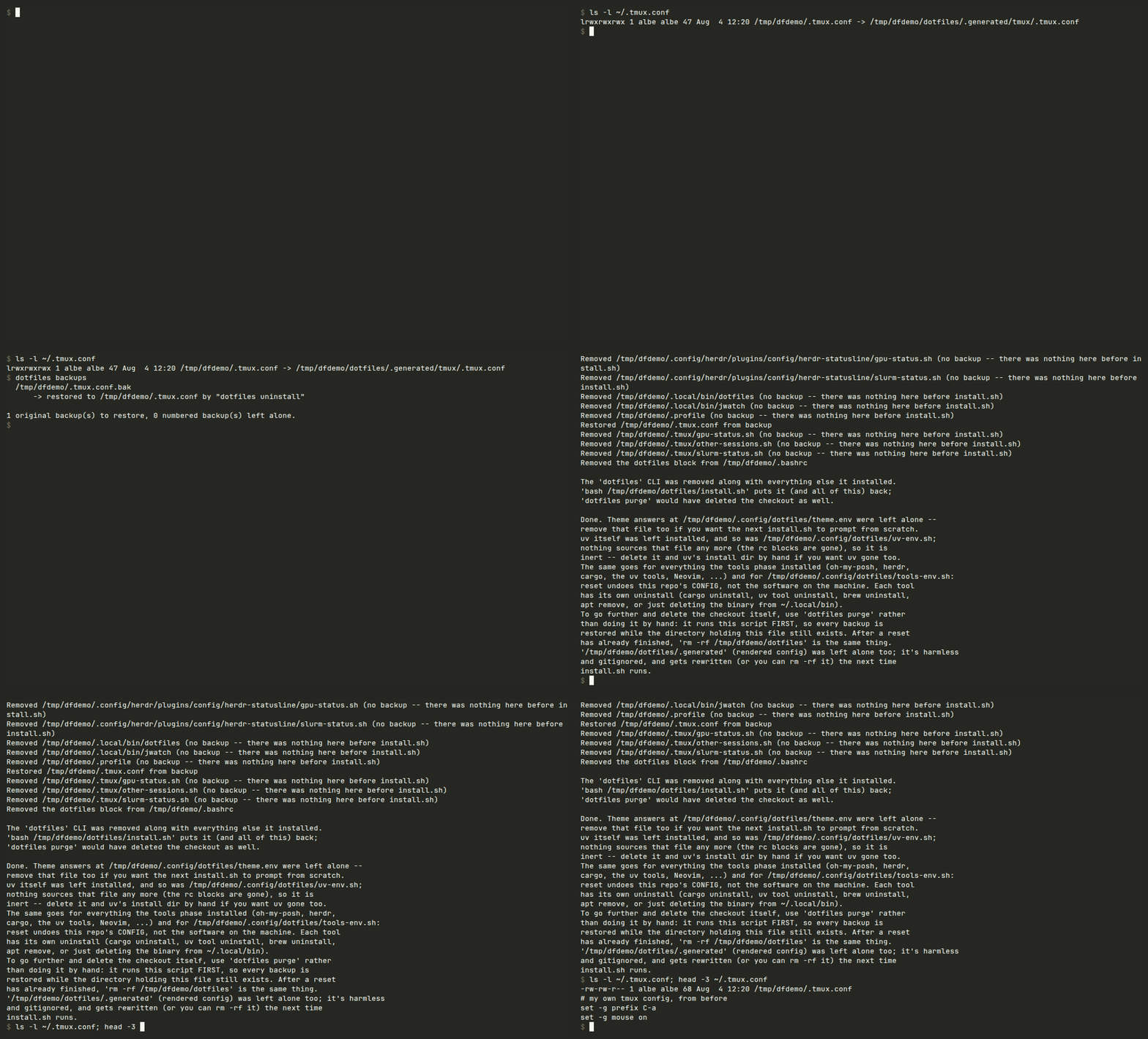
.bak files back.The catalogue
- shell: tmux, oh-my-posh, jq, zoxide, eza, fzf, fd, bat, delta, glow, dua-cli
- network: Tailscale (installed, not connected:
tailscale upis left to you) - gpu: nvitop
- editor: Neovim with LazyVim, Claude Code
- python: gdown, ground-control-tui
- herdr: herdr, herdr-statusline, herdr-file-viewer
- toolchains: git, Rust, a C toolchain, Homebrew, conda-forge, each only if something needs it