GroundControl
Monitor your hardware from your terminal, all of it at the same time.
- Python
- Textual
- Plotext
- nvitop
- Slurm
Layouts
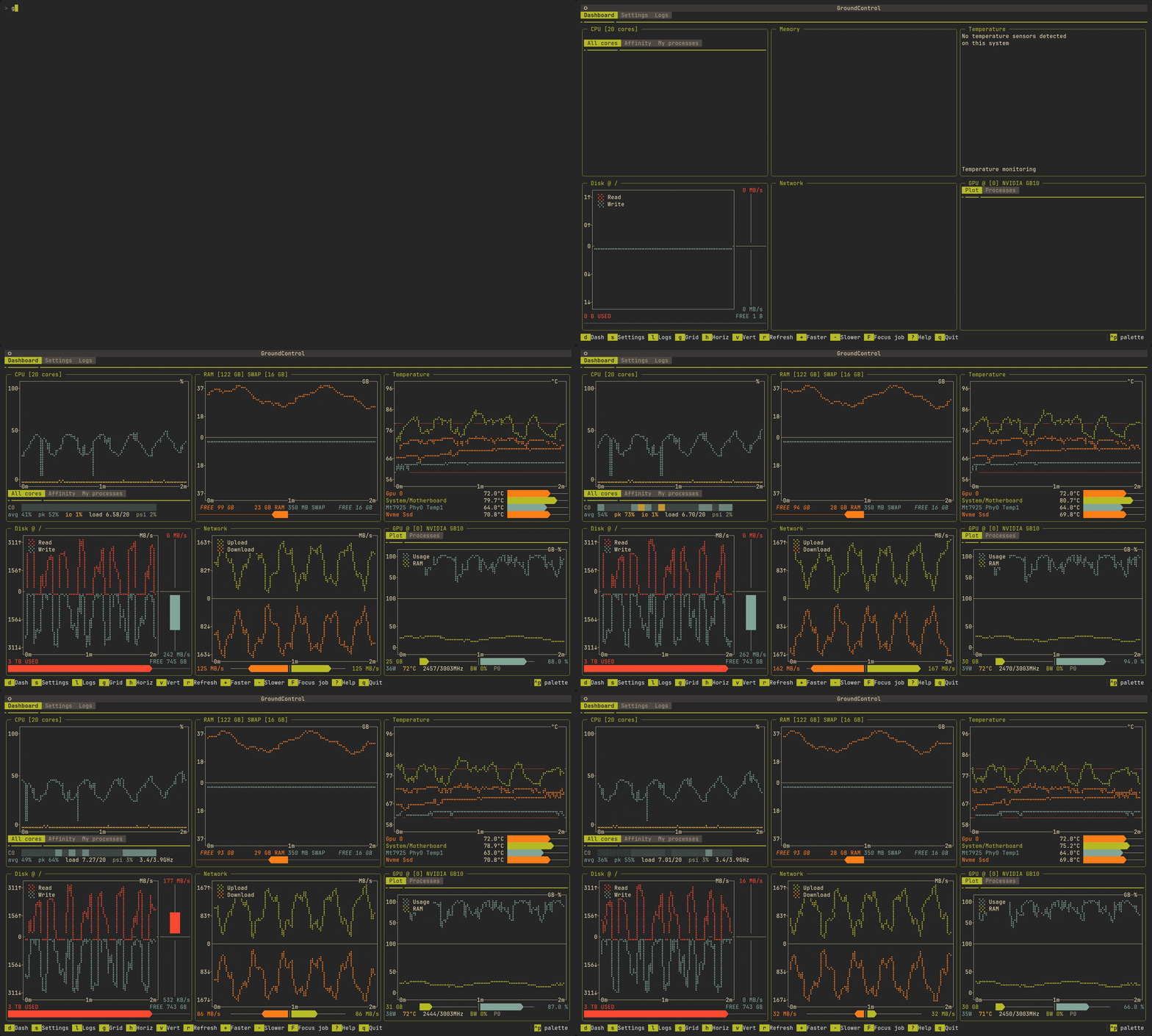
Every panel the machine has to offer is on screen at once in the grid layout. h and v re-flow the same widgets into a single row or a single column, which is what a horizontal or vertical tmux split actually wants. The switch is instant and the history in each plot is preserved.
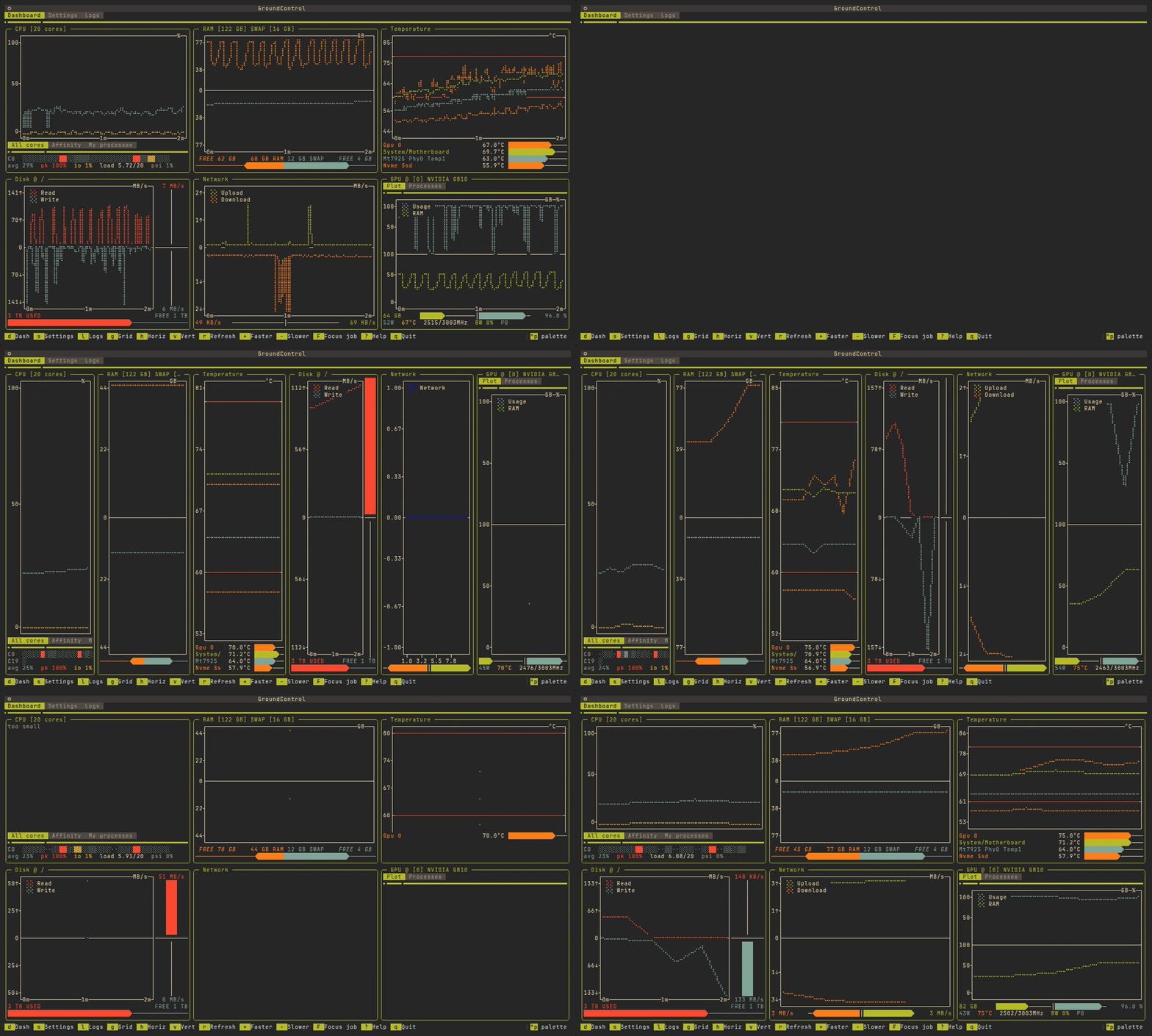
g and h, on live data.Widgets
- CPU: per-core load as horizontal bars, with frequency and colour-coded intensity
- Memory: RAM on the positive axis, swap on the negative, with a used/free centre bar
- Temperature: up to four sensors over time, with warning bands at 60 °C and 80 °C
- Disk: read/write throughput and used/free space, one widget per mounted partition
- Network: upload and download rates plus cumulative transfer
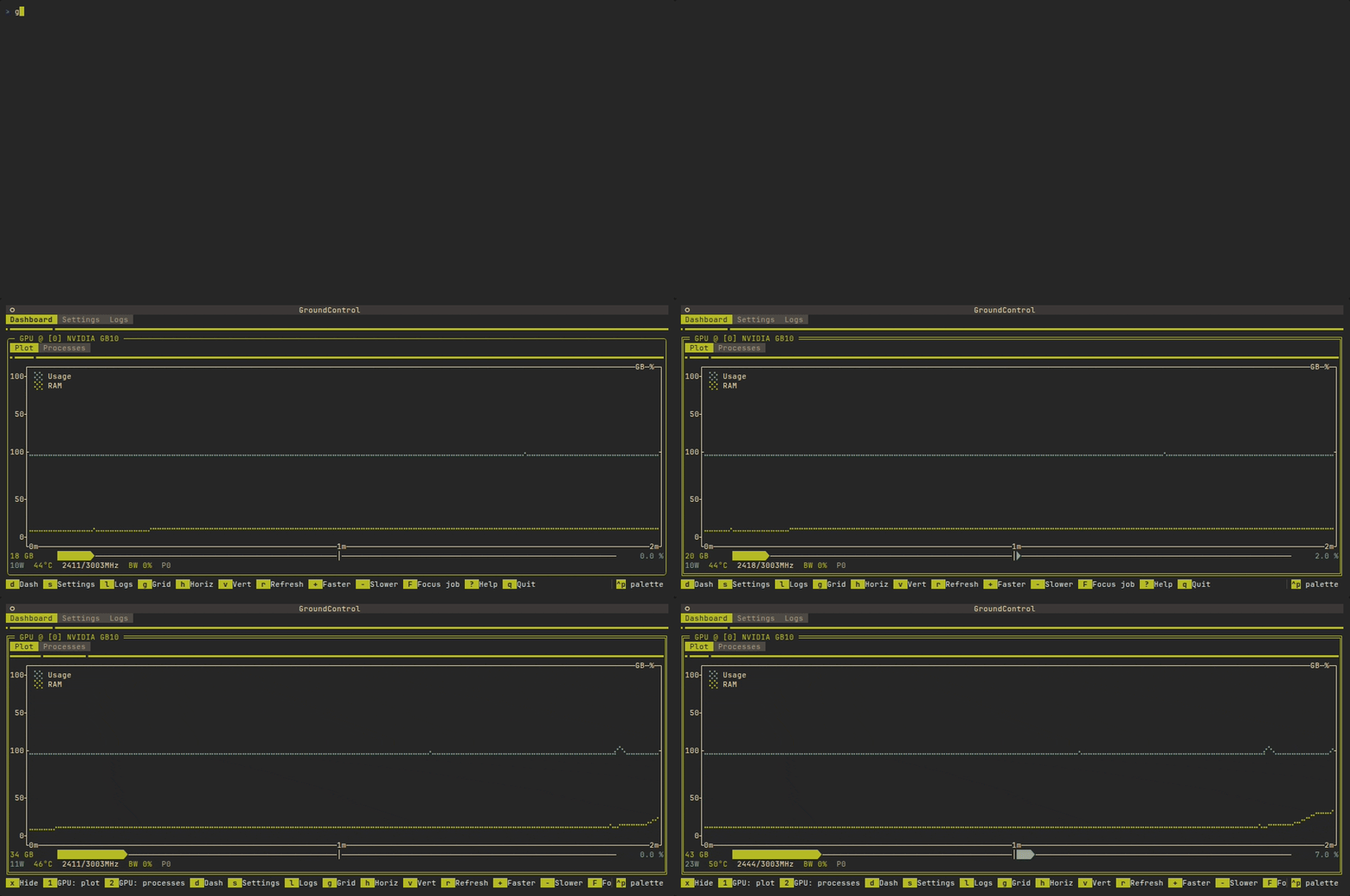
- GPU: utilization and memory for NVIDIA cards, with power draw, clocks and throttle reasons
- Slurm: your running and pending jobs, shown wherever
squeueis on PATH
Alerts
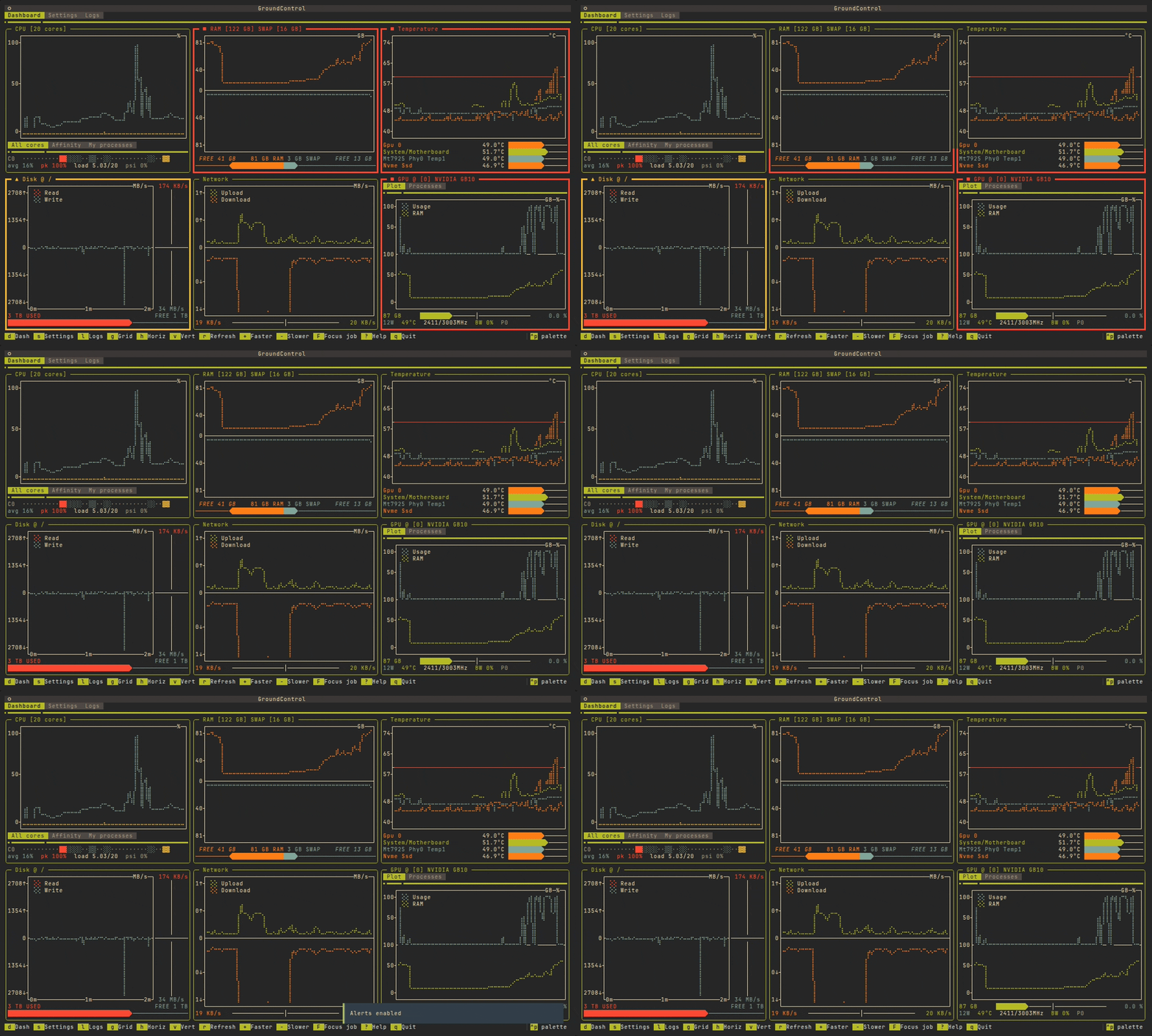
Any panel that crosses a threshold paints its border and prefixes its title with a marker: ▲ for a warning, ■ for critical. The marker matters as much as the colour: it survives a monochrome terminal. Thresholds are written as plain numbers, because direction is a property of the metric, and a breach stays visible for a few seconds after recovery so a spike is not missed while you are on another tab.
Scripting and health checks
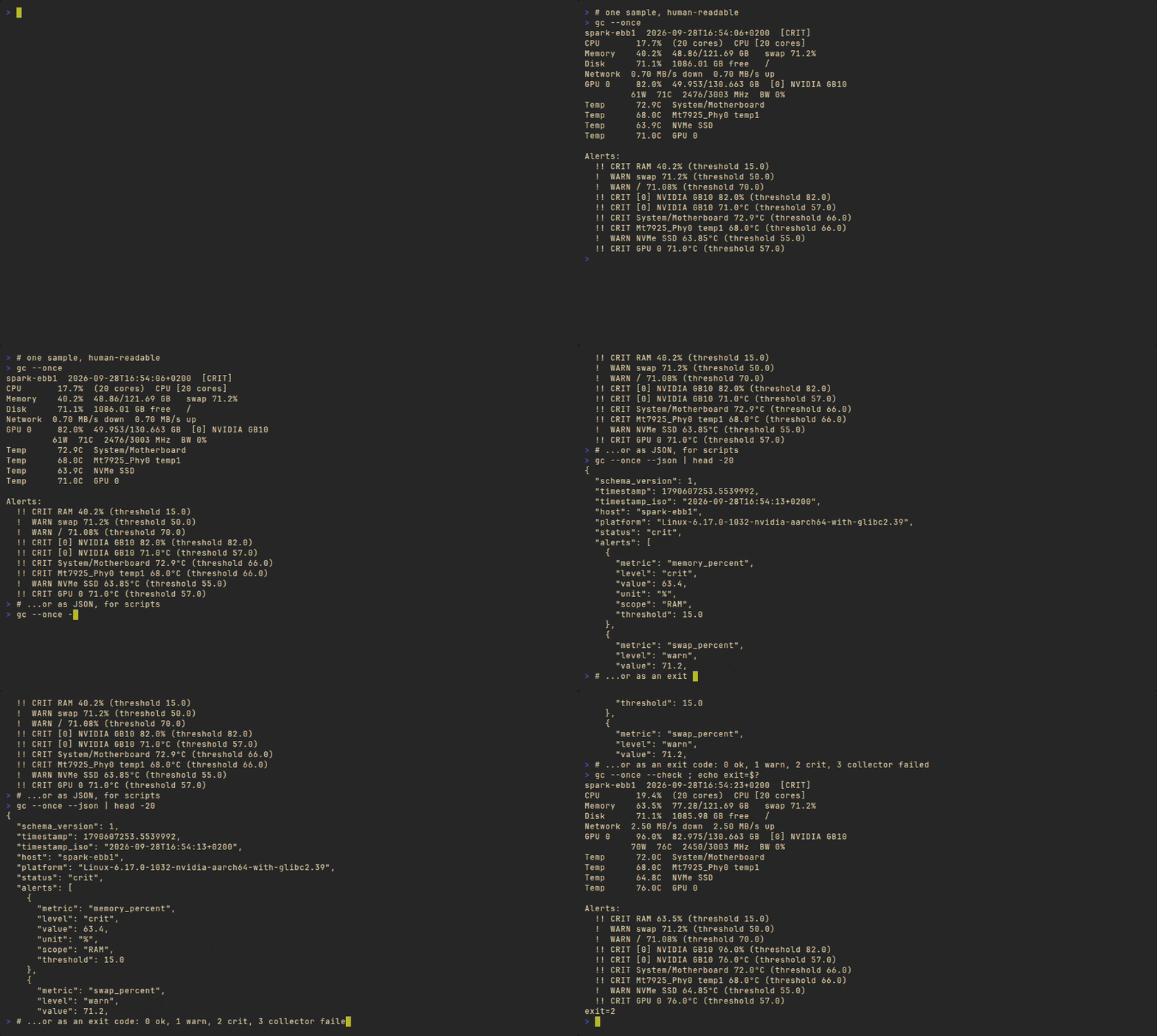
gc --once takes one sample, prints it and exits: no alternate screen, no event loop. --json makes it machine-readable with a schema_version, and --check returns the Nagios convention (0 ok, 1 warn, 2 crit, 3 collector failed) so it drops into an existing monitoring setup unchanged. gc --stream emits one compact JSON object per line for continuous collection.
gc --once: the same collectors, without the dashboard.